Translate a conversation
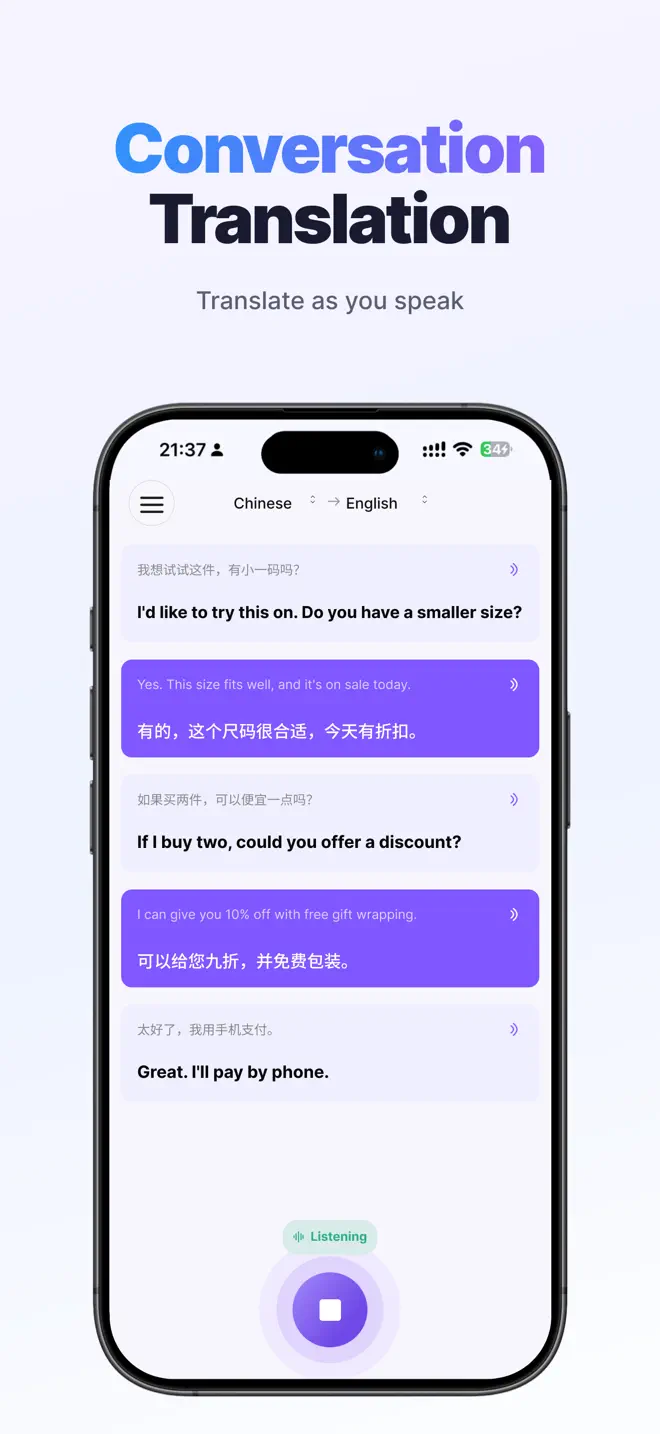
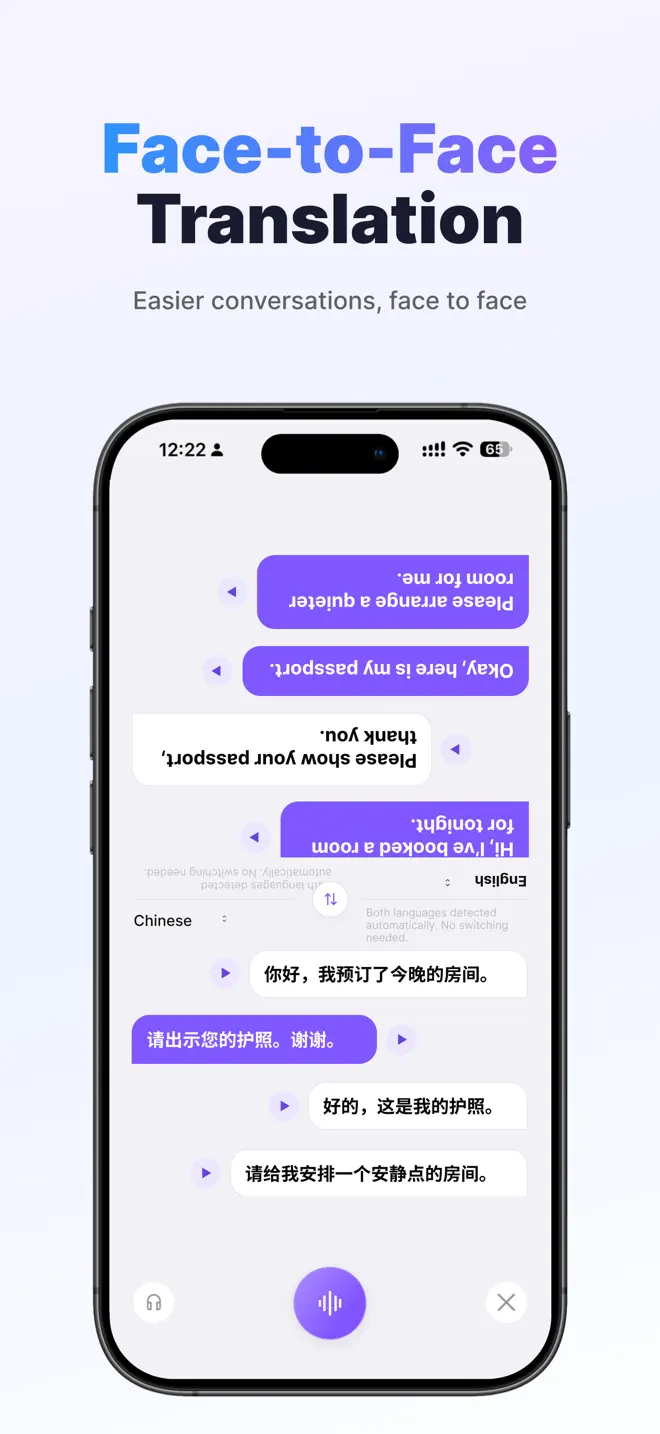
Pick both languages and take turns speaking. Use it at a hotel desk, in a shop, or when asking for directions.
Live voice translator for iPhone
Translate a conversation as you speak. Follow a meeting in another language, or use your camera to understand the menu in front of you.
Requires iOS 16.0 or later
Features
Choose a two-way conversation, follow one speaker, or translate what you see.
Pick both languages and take turns speaking. Use it at a hotel desk, in a shop, or when asking for directions.
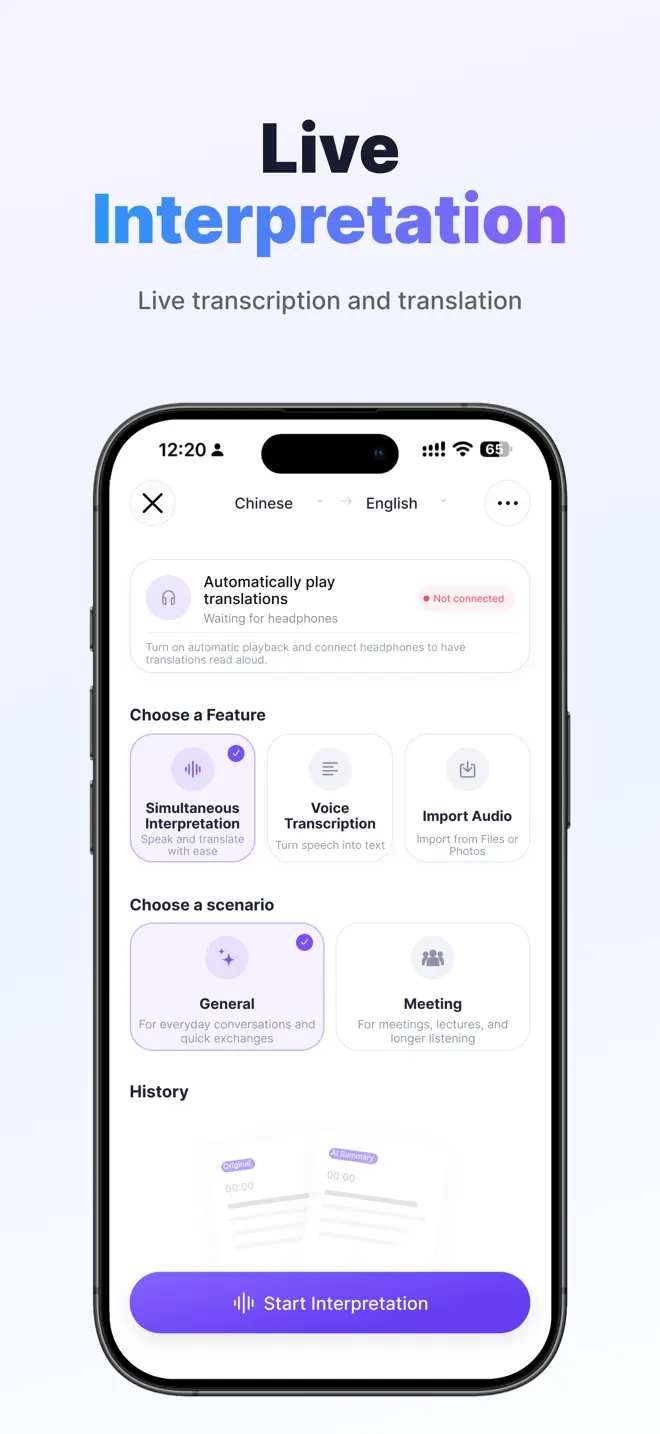
Use simultaneous interpretation to read the original speech and the translation during a meeting or lecture.
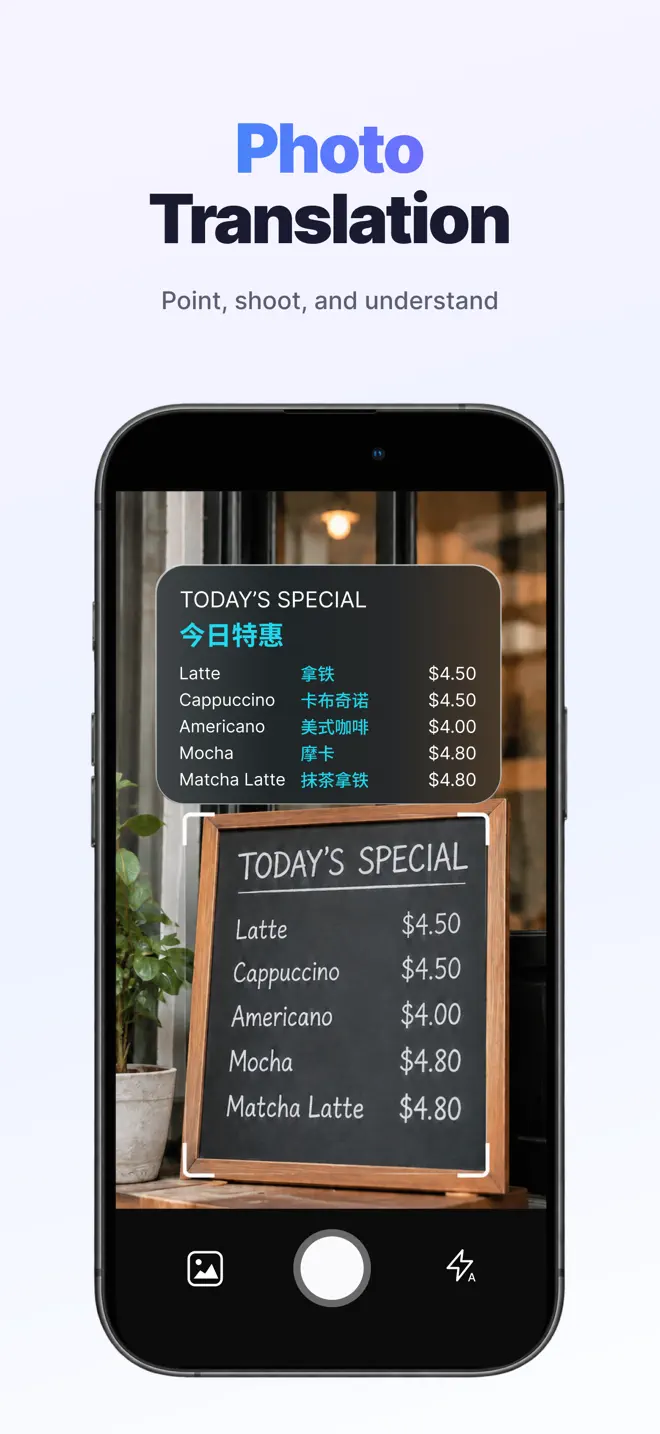
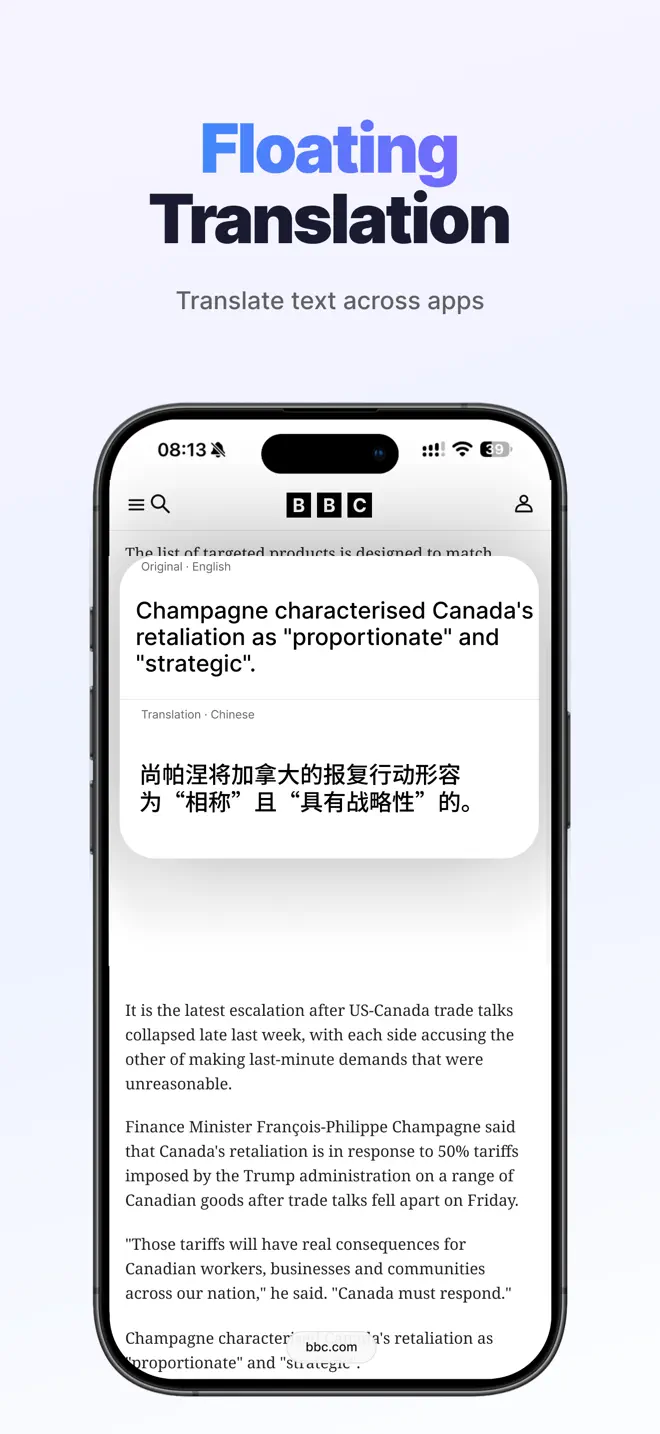
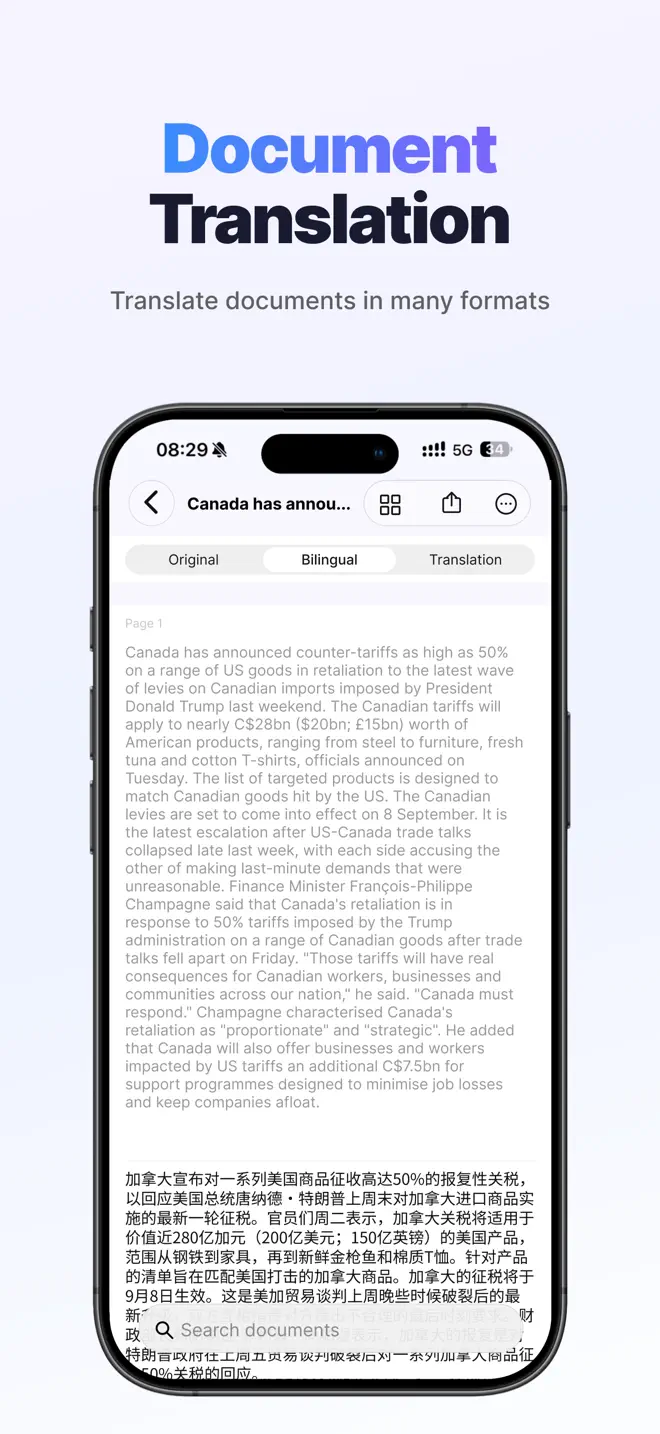
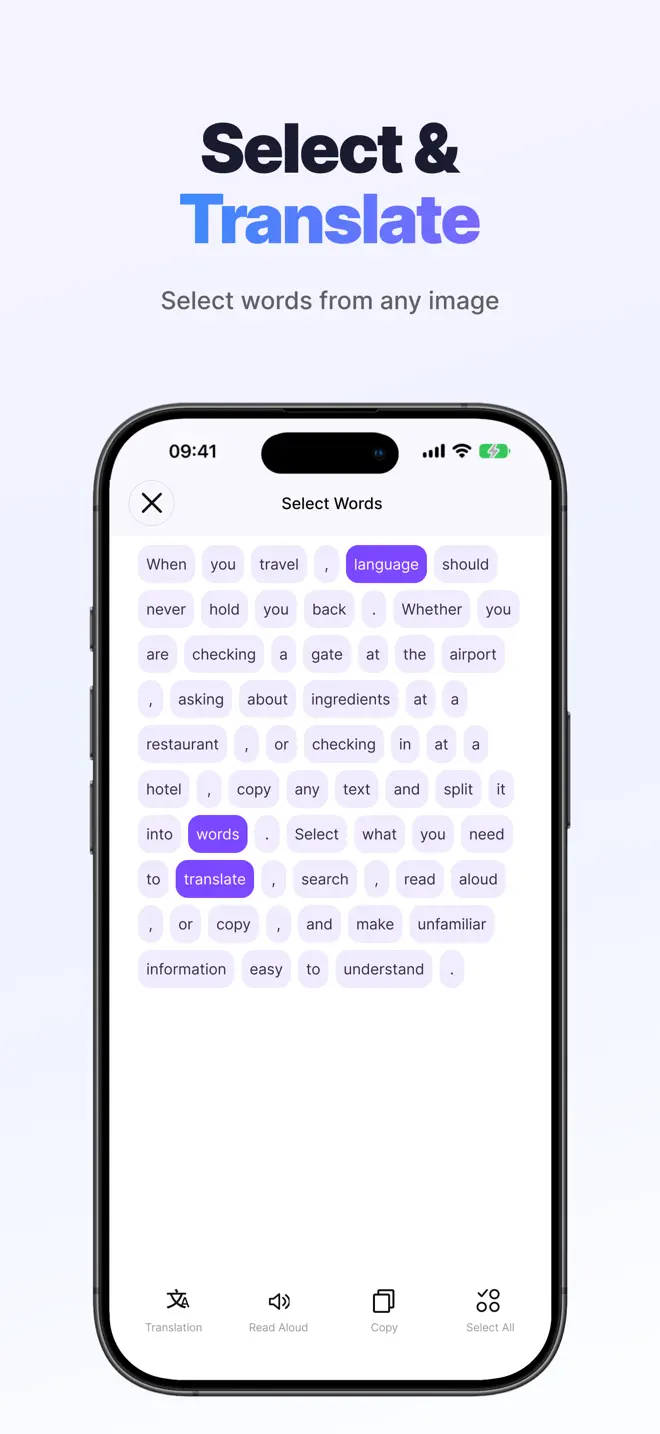
Take a photo of a menu, sign or printed notice. You can also translate text in documents.
Guides
Follow a short walkthrough on your iPhone.
Yes. Choose both languages in Conversation mode and take turns speaking into the same iPhone. Put the screen where both people can read it.
Conversation mode is for two people exchanging short turns. Simultaneous Interpretation lets you follow a speaker for longer, such as in a meeting or lecture.
The app interface is available in the same 14 languages as this site. For speech translation, check the app’s language picker in the mode you want to use.
Live voice translator for iPhone