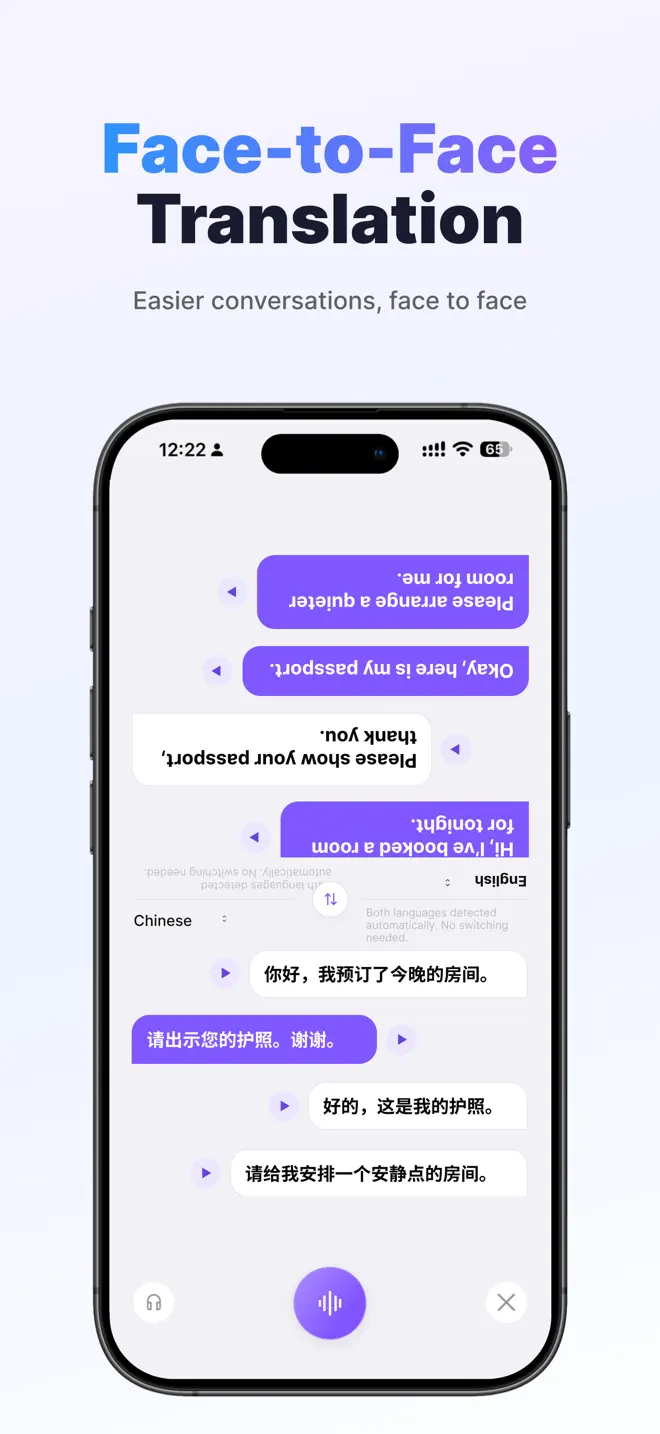
Set up the conversation
- Choose the two languages. Select the languages you and the other person will speak. Allow microphone access when iOS asks.
- Take one short turn at a time. Start with a sentence such as “I have a reservation for tonight.” Pause so the receptionist can read it and reply.
- Check names and numbers. Show your booking confirmation for the spelling of your name. Ask the receptionist to point to the room number, checkout time and any deposit.
Use it for the rest of the trip
The same setup works when asking for directions or ordering food. For a sign or printed menu, switch to photo translation and capture the text in good light.
Try two-way conversation translation on your iPhone.

Next guide: Follow a multilingual meeting